
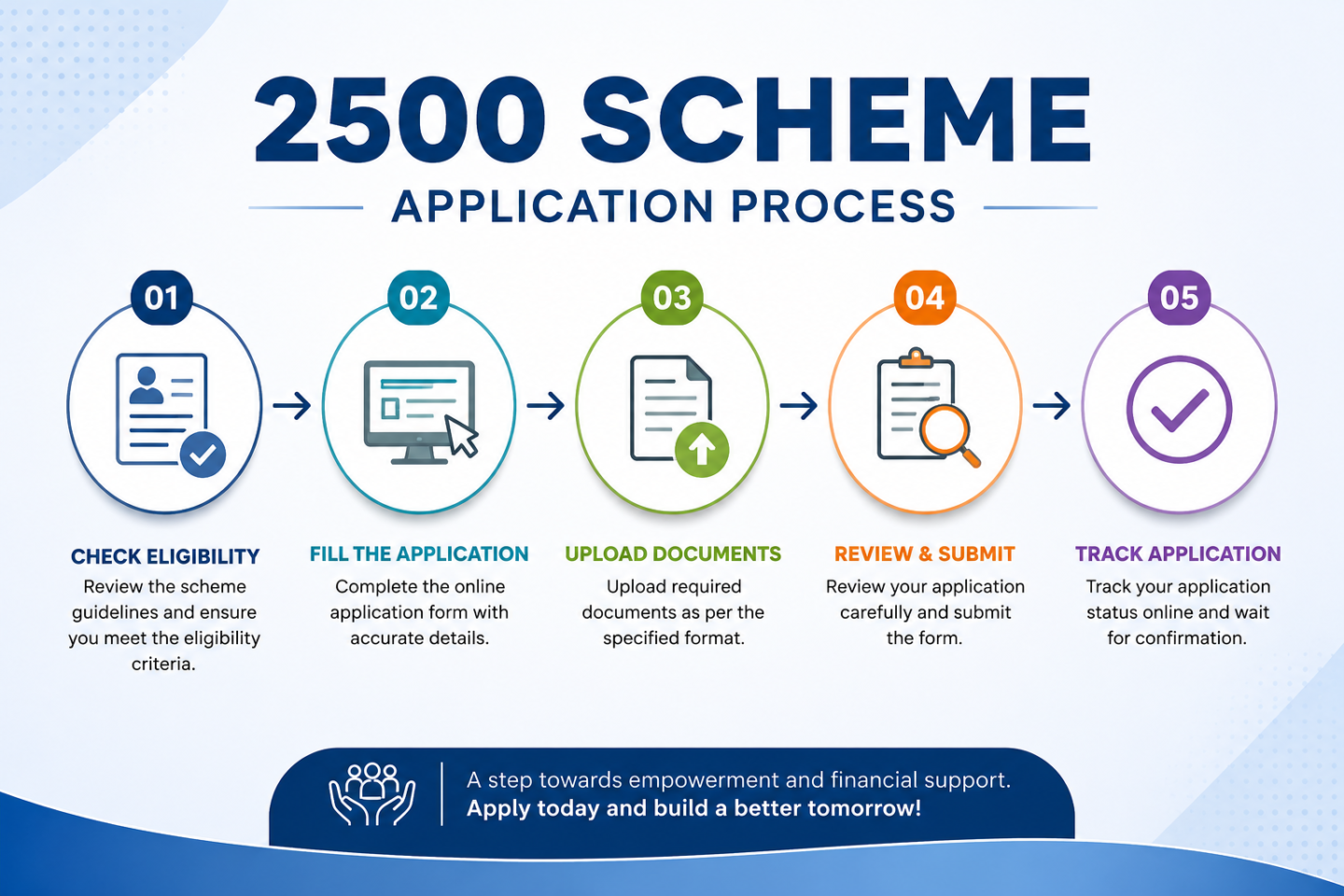

Madhippumigu Magalir Thittam — Application Process
How to apply for Tamil Nadu’s women’s monthly assistance scheme, step by step
What You Can Actually Do Right Now
Since the ₹2,500 scheme has no separate application portal yet, the most useful action today is to apply for (or maintain) the existing ₹1,000 KMUT scheme and keep your documents ready. When the upgrade is officially notified, eligible KMUT beneficiaries are expected to transition automatically or through a simple update — not a fresh application from scratch.
How to Apply — Step by Step (Current ₹1,000 KMUT Scheme)
-
Verify your eligibilityConfirm you are a Tamil Nadu resident woman aged 21–59, listed as head of family (or wife of head) on your ration card, with family income below ₹2.5 lakh/year, no four-wheeler, and no government employee in the household.
-
Go to the official portalVisit cmhelpline.tn.gov.in and file a petition for the Kalaignar Magalir Urimai Thogai scheme — there is no separate kmut.tn.gov.in portal. Always confirm you’re on a genuine .tn.gov.in domain.
-
Verify with Aadhaar OTPEnter your Aadhaar number. An OTP will be sent to your registered mobile number — enter it to verify your identity.
-
Fill in your personal and family detailsEnter your name, husband’s/father’s name, ration card number, marital status, and address. These must match your ration card exactly.
-
Add bank and electricity detailsProvide your bank account number (must be DBT-enabled) and your EB (electricity) connection number for usage verification.
-
Upload supporting documentsUpload clear scans or photos of your Aadhaar card, ration card, and bank passbook. Check the file size limits shown on the portal.
-
Review and submitDouble-check every field, then submit. The system generates an Application Reference Number — save or screenshot this immediately. You’ll need it to track your status.
Documents You’ll Need
- Aadhaar card (linked to an active mobile number)
- Ration card (showing you as head of family or wife of head, Aadhaar-linked)
- Bank passbook (DBT-enabled account, or a Post Office Savings account)
- Recent electricity bill (to verify address and annual usage)
புதிய தகவல்
Application Timeline
| Stage | What Happens |
|---|---|
| Submission | You receive an Application Reference Number instantly |
| Verification | Officials cross-check Aadhaar, ration card, income, and land/electricity records |
| Approval / Rejection SMS | You receive a status update via SMS to your registered mobile number |
| DBT Activation | Approved amount is credited directly to your bank account — typically around the 15th of the month |
How to Track Your Application
Visit the official portal and log in using your registered mobile number and OTP. Enter your Application Reference Number to view real-time status — submitted, under verification, approved, or rejected.
If Your Application Is Rejected
-
Call CM Helpline 14417Ask for the specific reason your application was rejected — most issues are simple and fixable.
-
File a grievance if neededVisit cmhelpline.tn.gov.in, log in with mobile OTP, and submit a petition with your rejection details.
-
Fix the underlying issueCommon fixes: updating the ration card to show you as head of family, correcting an Aadhaar name mismatch, or enabling DBT on your bank account.
-
ReapplyOnce corrected, submit a fresh application and note your new Application Reference Number.
Frequently Asked Questions

A dedicated government schemes researcher and content specialist covering Tamil Nadu welfare programs, women's financial assistance initiatives, and public policy updates. The author is committed to delivering trustworthy, easy-to-understand, and up-to-date information that helps citizens access government benefits with confidence.